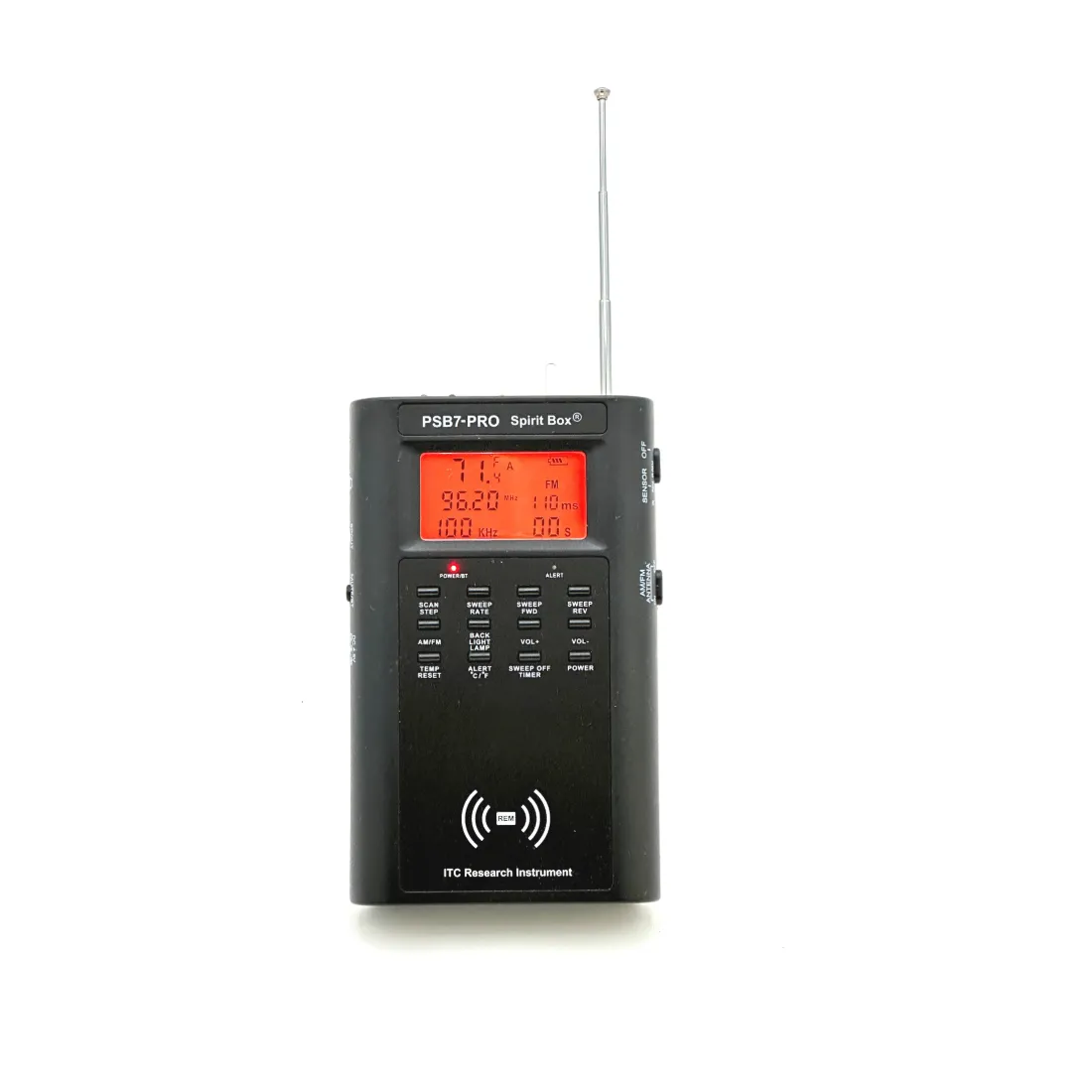
A Complete ITC Rig: Running the PSB7-PRO and APF-D Processor Together
On their own, each of my instruments does one job. The PSB7-PRO captures responses. The APF-D Processor lets you study them. Put them together and you have a complete ITC rig: capture, hear, rewind, and review, all in one chain. This is the setup I run myself, so let me walk you through it properly, including the details that trip people up.
The signal chain
The PSB7-PRO is the front end. It sweeps at an adjustable speed from 30 to 350 milliseconds, forward or reverse, with adjustable AM and FM frequency steps, and it carries its own REM proximity and IR trigger sensors plus temperature-spike detection. The APF-D sits between the box and your speaker. It shows a real-time audio spectrum display, lets you pause and resume without losing response data, rewinds in 10-second intervals as far back as you like, slows playback in 5 percent decrements, and applies adjustable noise reduction and a high-pass filter. The speaker is the last link, so a quiet response is not buried in a small built-in driver.
Watch the two together
The volume chain, in order
There are three volume controls in this rig: the spirit box, the APF-D, and the ring on the speaker. Set them in that order. With a P-SB7 in the chain I set the box volume between 20 and 24, start the sweep, then bring the APF-D noise filter into the 20.0 to 23.0 range and tweak from there. Note that the APF-D volume control also raises and lowers the spectrum gain on the display, and that a P-SB7 sweep must be stopped before you adjust the box volume. Small things, but they save you a night of confusion.
Understand the buffer memory
The APF-D is constantly storing audio to memory. That is what makes pause and rewind possible without losing data. The trade-off is that when you change the noise filter, the change can take 15 to 25 seconds to work through the buffered audio. You have two options: wait for the buffer to catch up, or reset the device by pressing S2 and S3 simultaneously to clear the backlog. My own habit is to reset first and set the noise filter immediately, so filter changes take effect quickly for the rest of the session. One more field note: turn your phone's Bluetooth off before you start, so it cannot interfere with the wireless links in the rig.
Running a session on the rig
The workflow is simple. Run the session live and listen. When something stands out, pause. Nothing is lost. Rewind in 10-second steps to the start of the moment, slow the playback down 5 percent at a time, and watch the spectrum display while you listen. Decide what a response was after you have studied it, not in the excitement of the moment. That discipline is the whole point of the rig.
Let the sensors work too
Remember that the PSB7-PRO is more than the sweep. Its integrated REM proximity and IR trigger sensors and its temperature-spike detection are running while you talk, so a strong session note reads like this: the question, the reply, and what the sensors did at that same moment. When the audio and the instruments line up in time, you have a far more interesting record than either one alone. Log all of it.
See the PSB7-PRO Spirit Box and the APF-D Processor.


